
In this guide you can find the process to connect to the company VPN gateway server to obtain company public IP address.
|
1 |
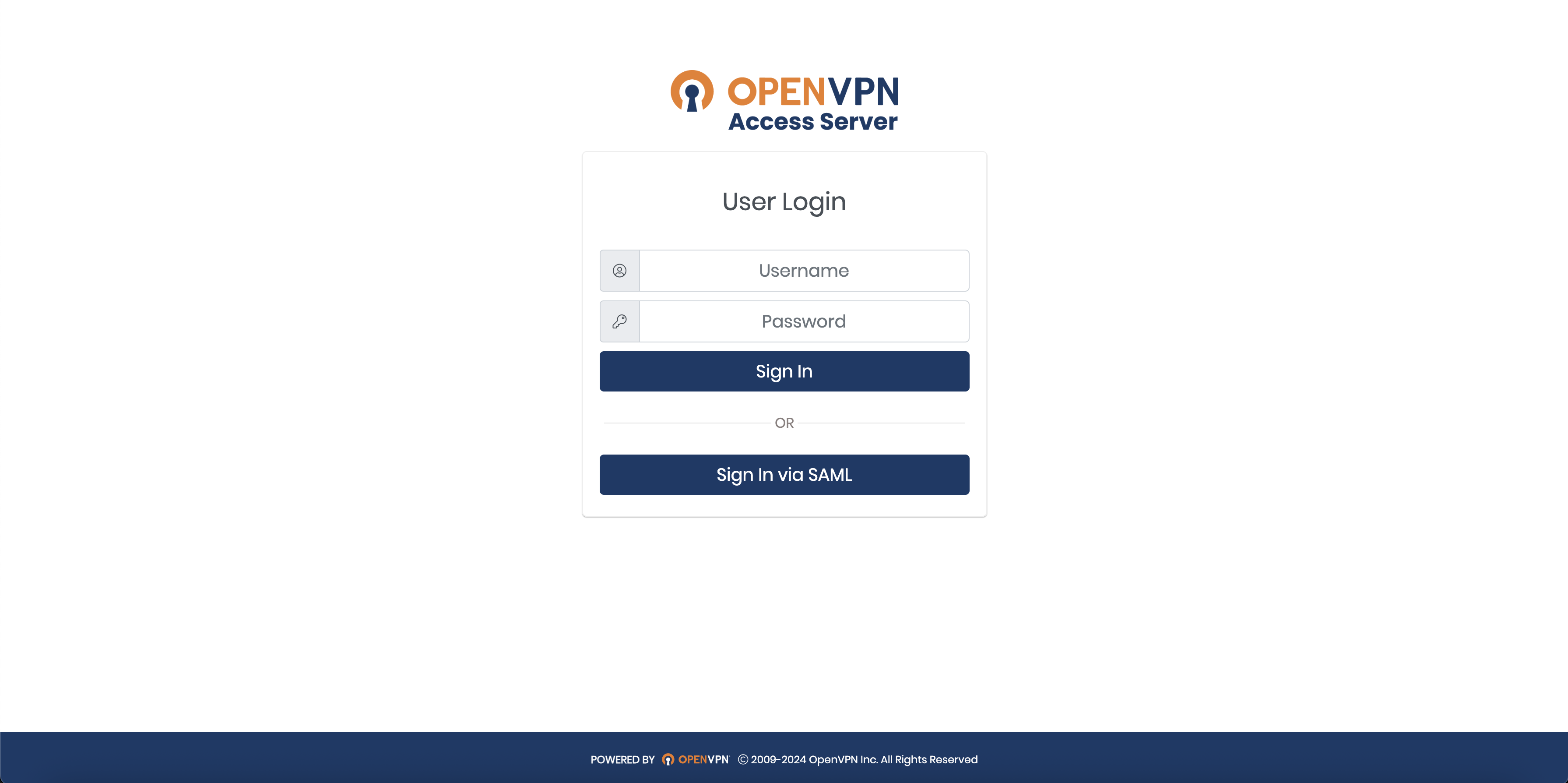
Login to your company VPN.
|
|
|
2 |
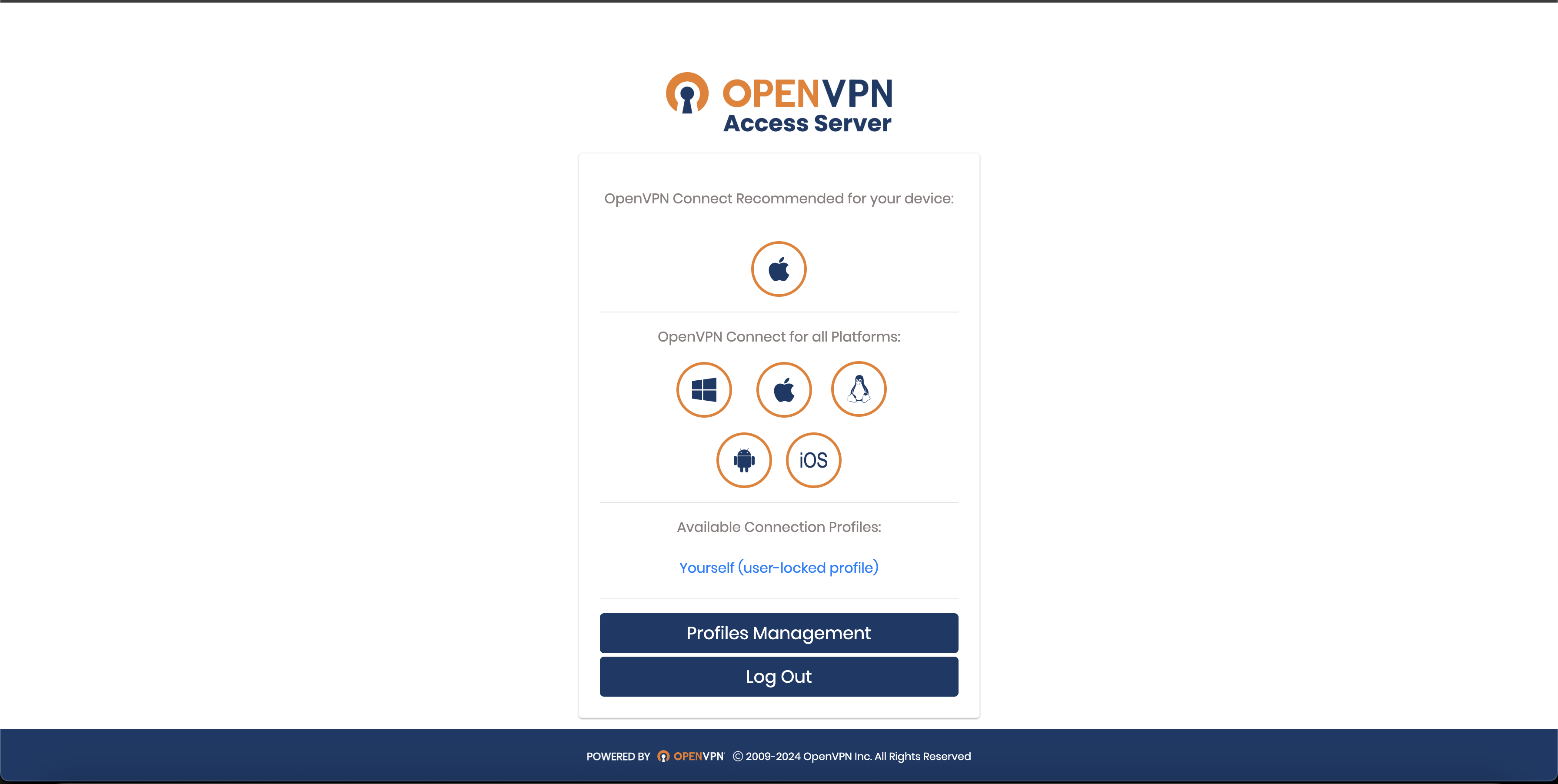
Download and install OpenVPN client. Select proper operating system platform icon. Restart computer if requested. |
|
|
3 |
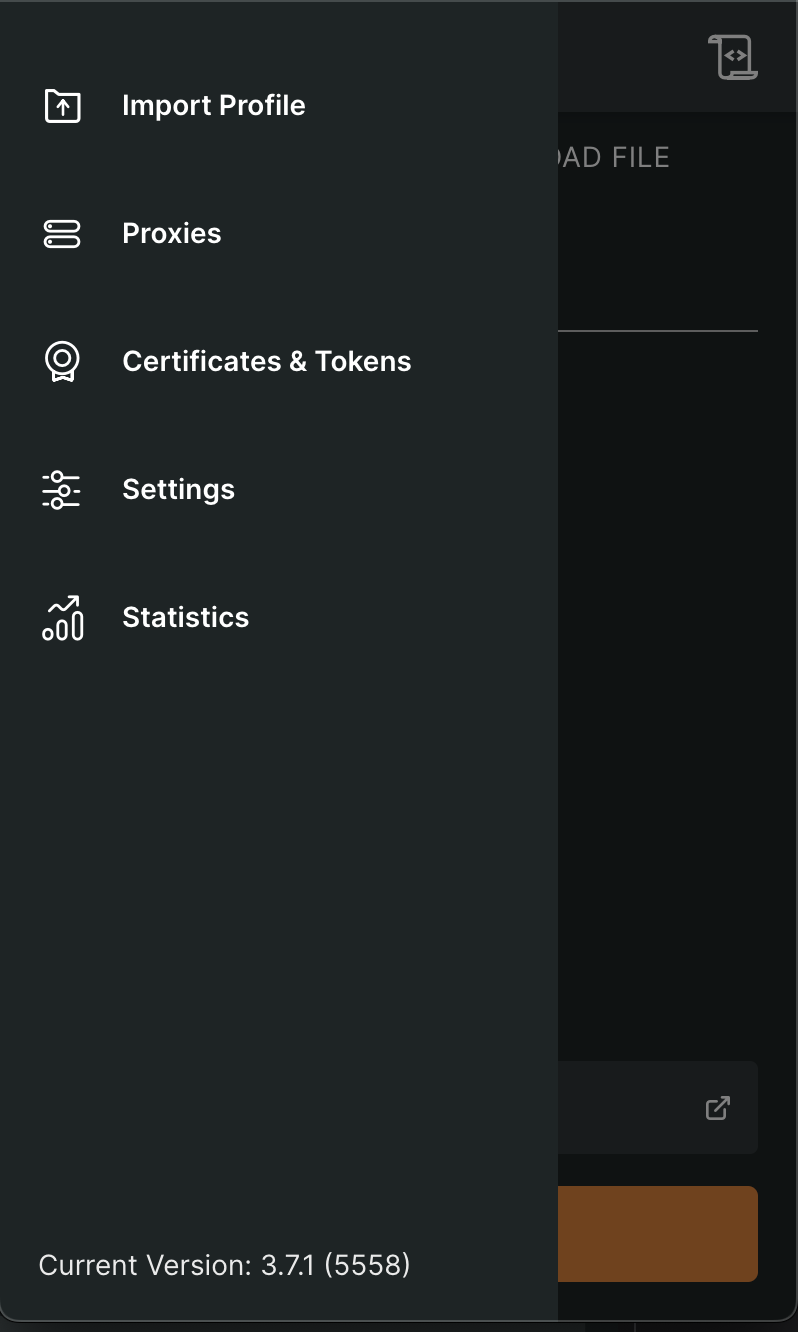
Open OpenVPN client and navigate to Import Profile menu |
|
|
4 |
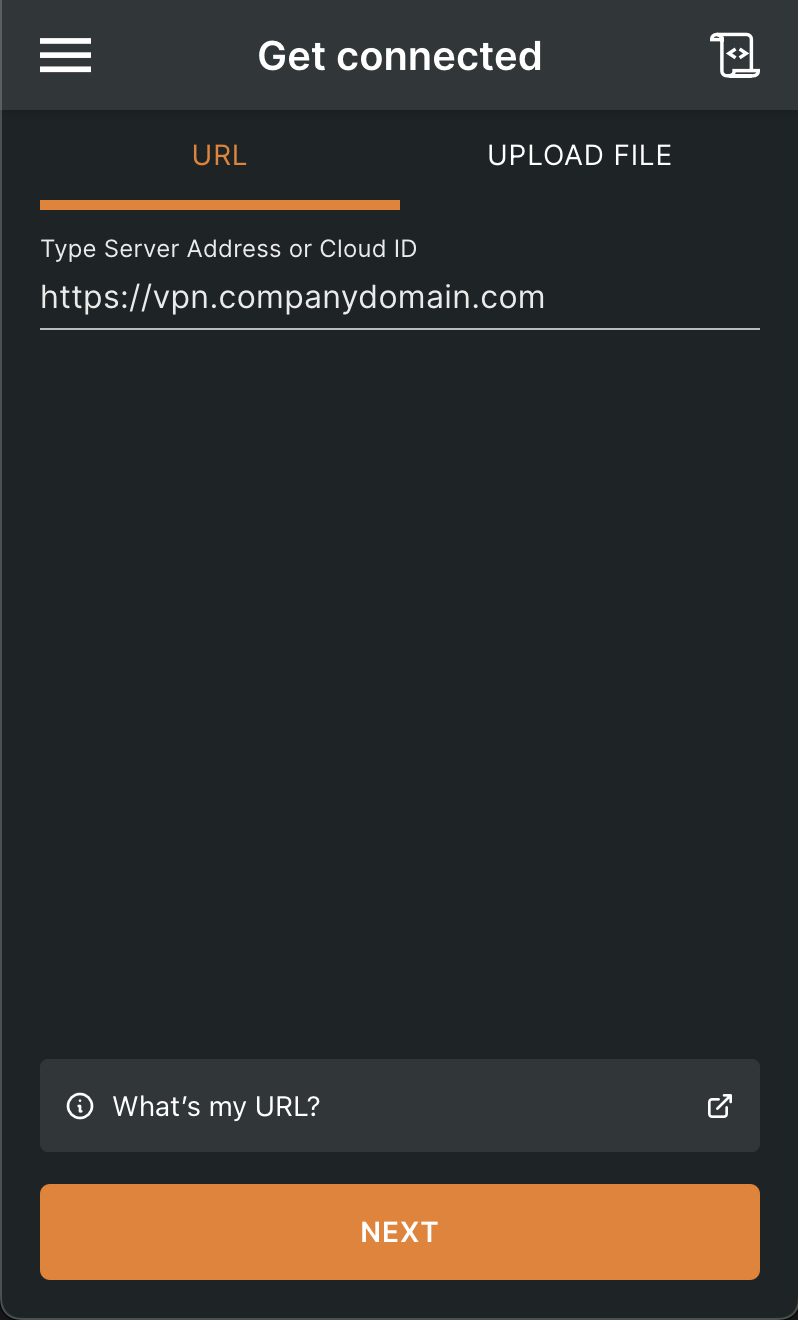
Type https://vpn.companydomain.com in URL field. Authenticate with your company credentials |
|
|
5 |
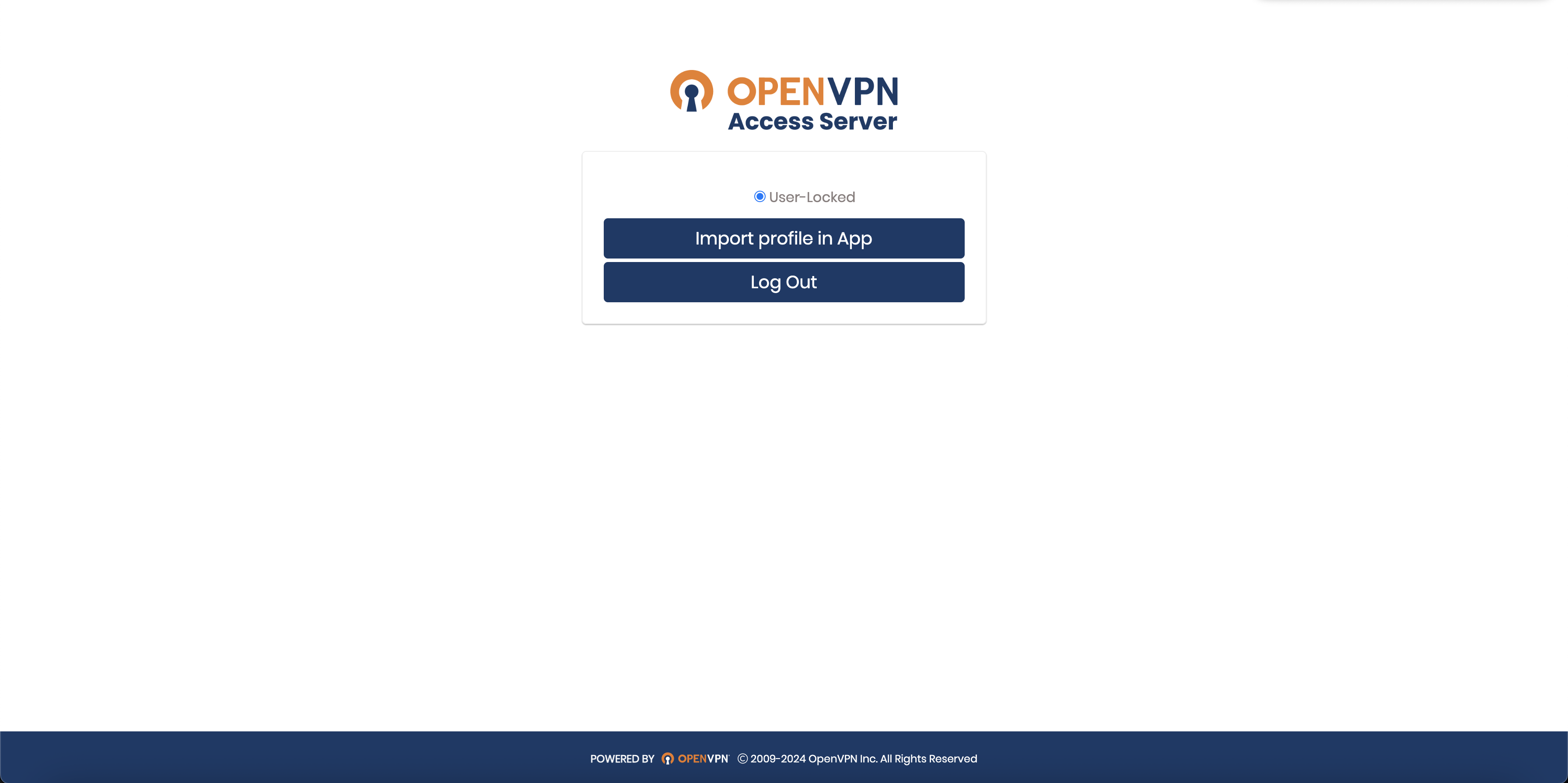
Click on “Import profile in App” |
|
|
6 |
Enable VPN connection on your VPN client app |
|