Connect to Cisco Secure Client

  1. Contact the company IT Support team to obtain the VPN hostname URL. (Do not proceed without hostname URL)


  1. Download Cisco Secure Client

Download for Windows:

https://uncore-public.s3.us-east-1.amazonaws.com/cisco-secure-client-win-5.1.12.146-core-vpn-predeploy-k9.msi

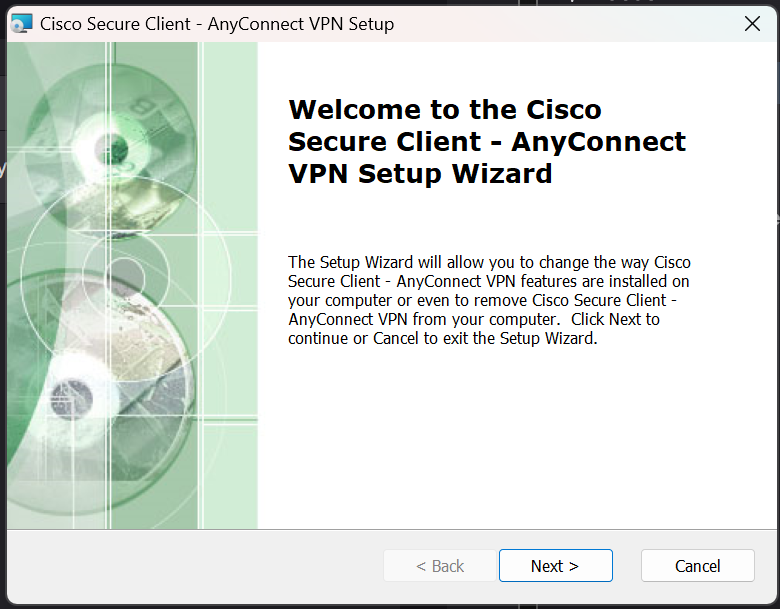
  1. Install Cisco Secure Client

image-20251203-013747.png


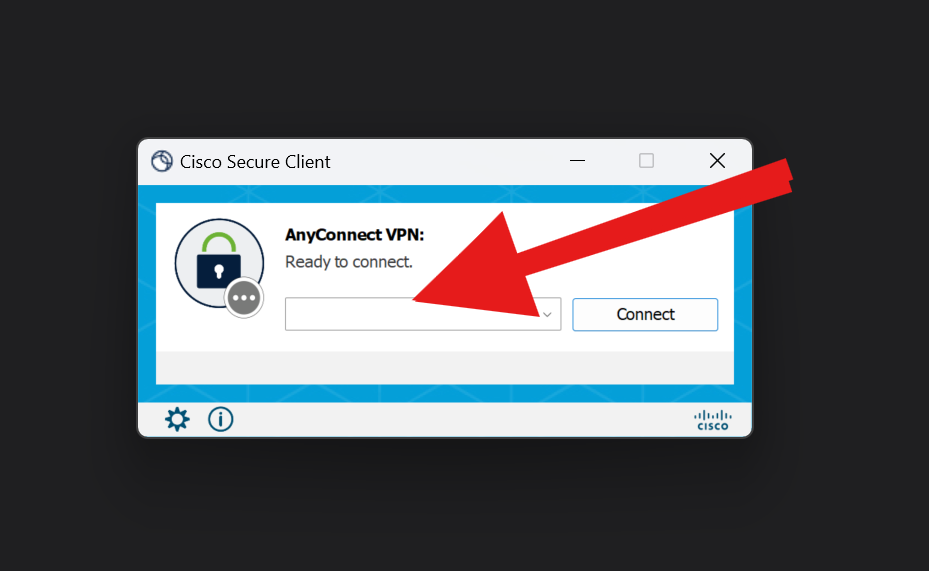
  1. Open the installed Cisco Secure Client on your PC. You can find it in the Start Menu.

image-20251202-215245.png


  1. Enter the hostname URL from Step 1 in the input field, then click Connect.

image-20251202-220221.png
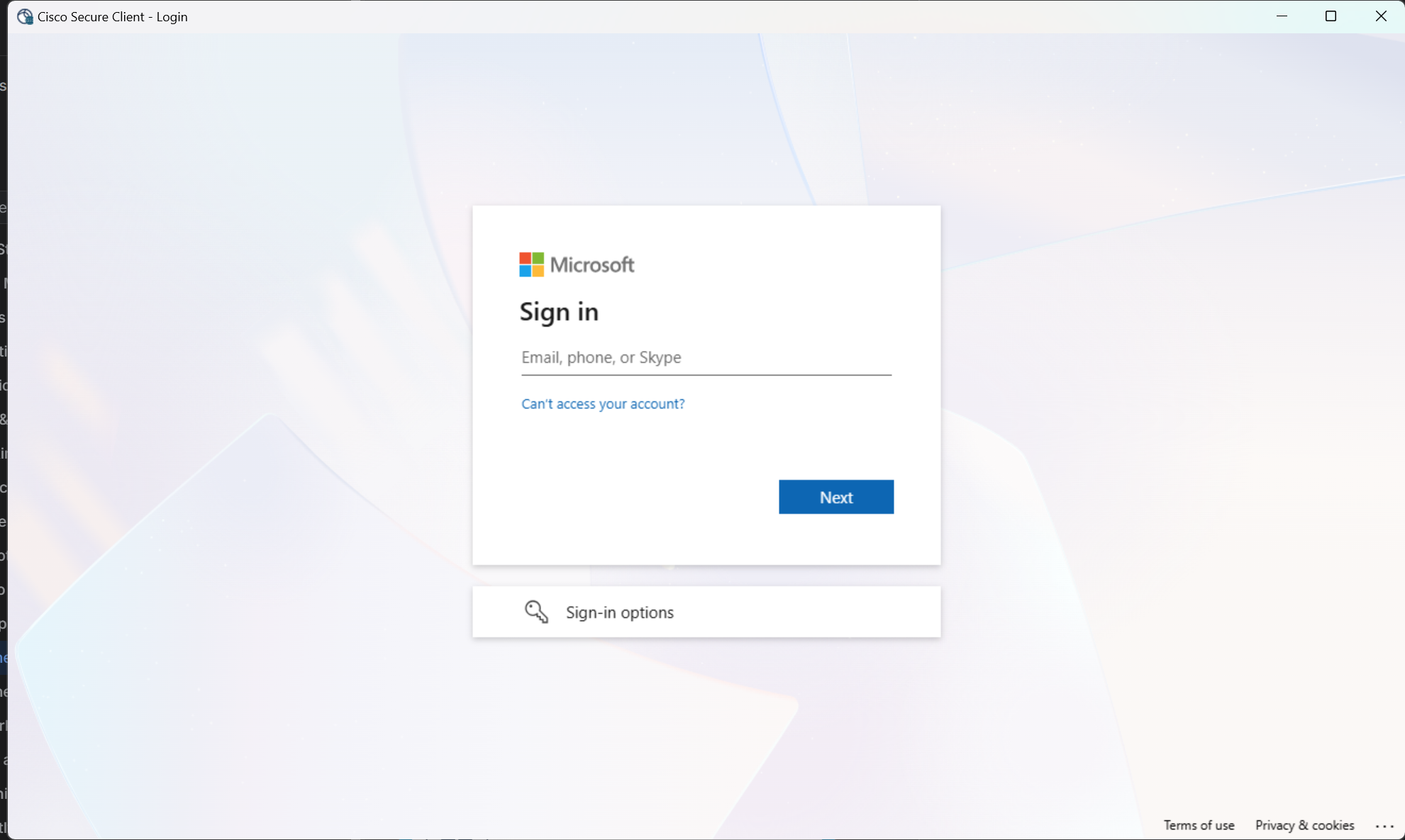
  1. Log in with your business credentials.

image-20251202-221240.png


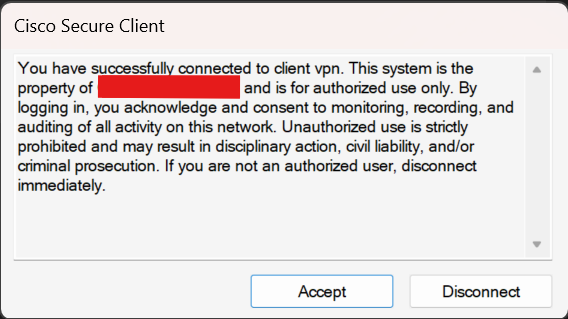
  1. When prompted, click Accept to acknowledge the disclaimer.

image-20251202-222036.png


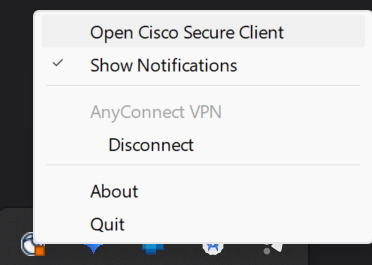
  1. The VPN status in the system tray will indicate that you are connected.

image-20251202-223012.png