Send emails from a different address or alias
https://support.google.com/mail/answer/22370?hl=en
|
1
|
Add an address you own
-
On your computer, open Gmail.
-
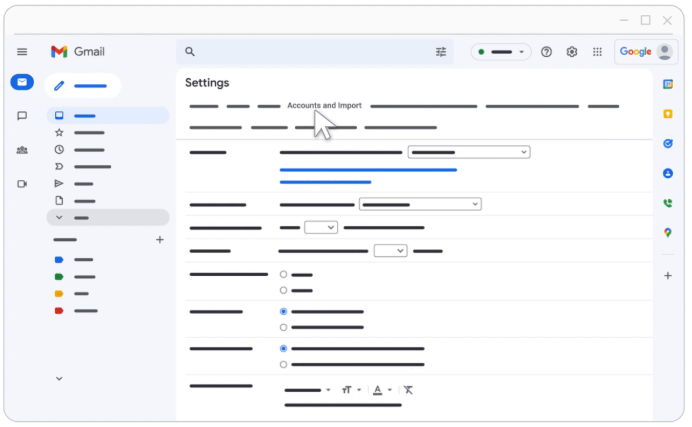
In the top right, click Settings See all settings.
-
Click the Accounts and import or Accounts tab.
-
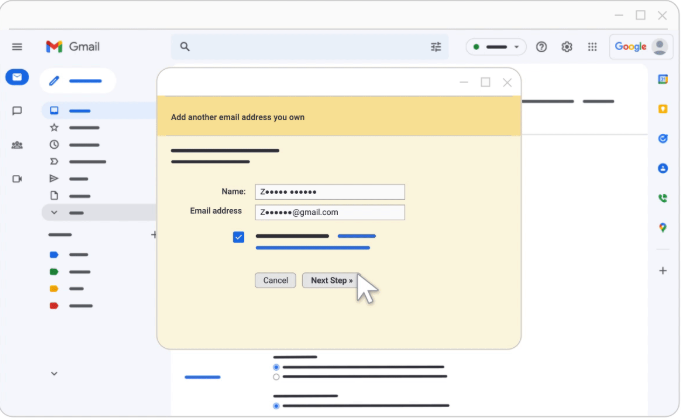
In the "Send mail as" section, click Add another email address.
-
Enter your name and the address you want to send from.
-
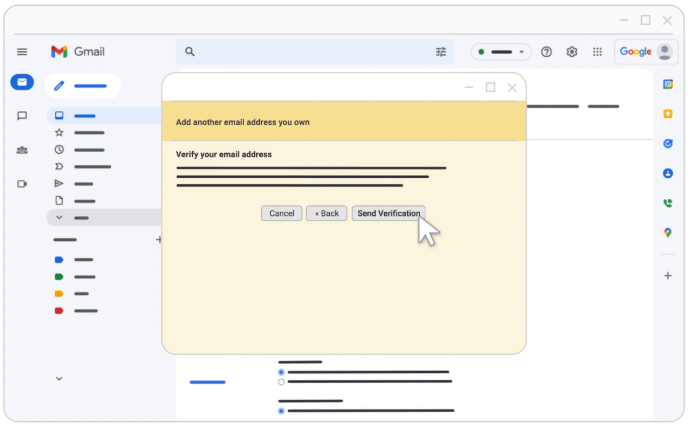
Click Next Step Send verification.
-
For school or work accounts, enter the SMTP server (for example, smtp.gmail.com or smtp.yourschool.edu) and the username and password on that account.
-
Click Add Account.
|
|
|
2
|
Confirm the address
-
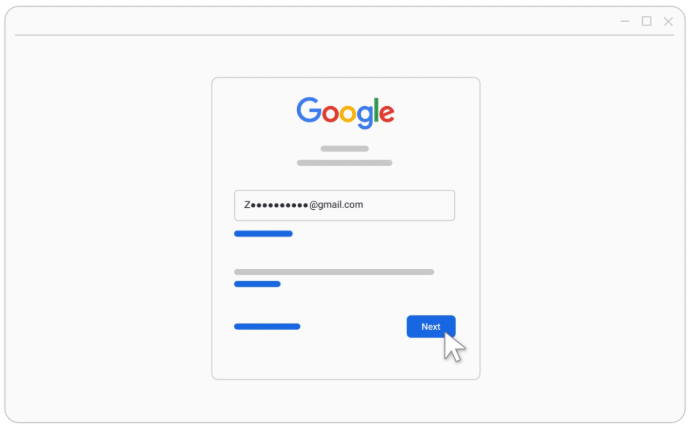
Sign in to the account you added.
-
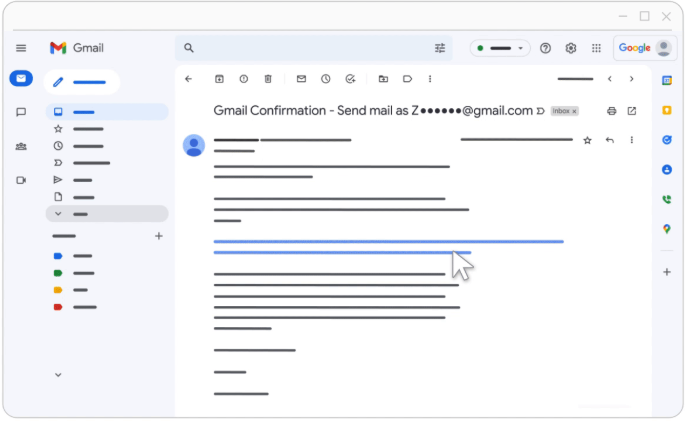
Open the confirmation message you got from Gmail.
-
Click the link.
|
|
|
3
|
Change the "From" address
-
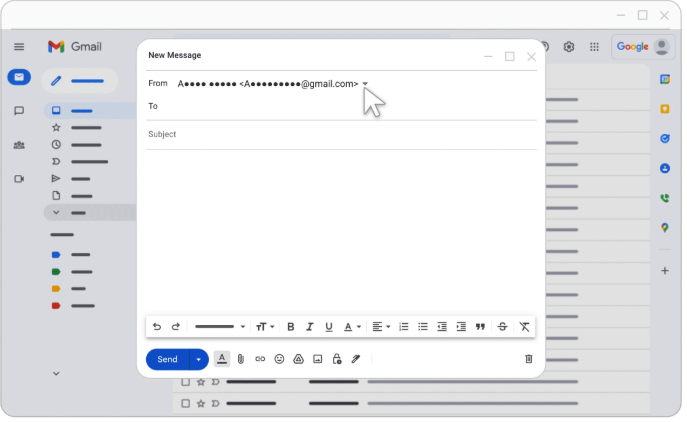
In the message, click the "From" line.
(If you don't see this, click the space next to the recipient's email.)
-
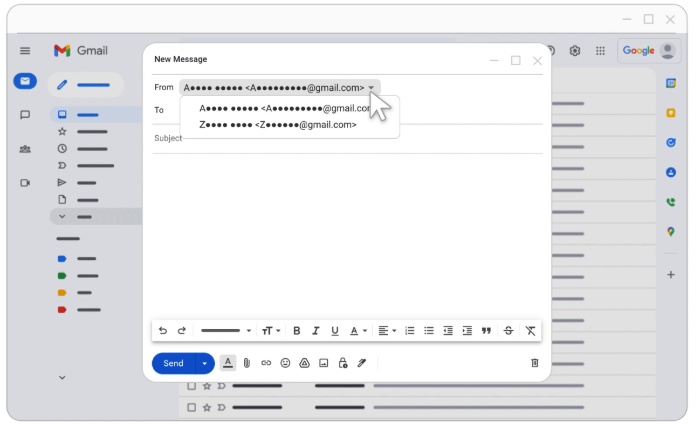
Select the address to send from.
|
|