
What’s in the Box
-
1 × JetKVM device
-
1 × USB cable
-
1 × HDMI (or DisplayPort) cable
-
1 × Ethernet cable (network cable)
-
1 × Power adapter
-
1 x Wireless adapter
|
1 |
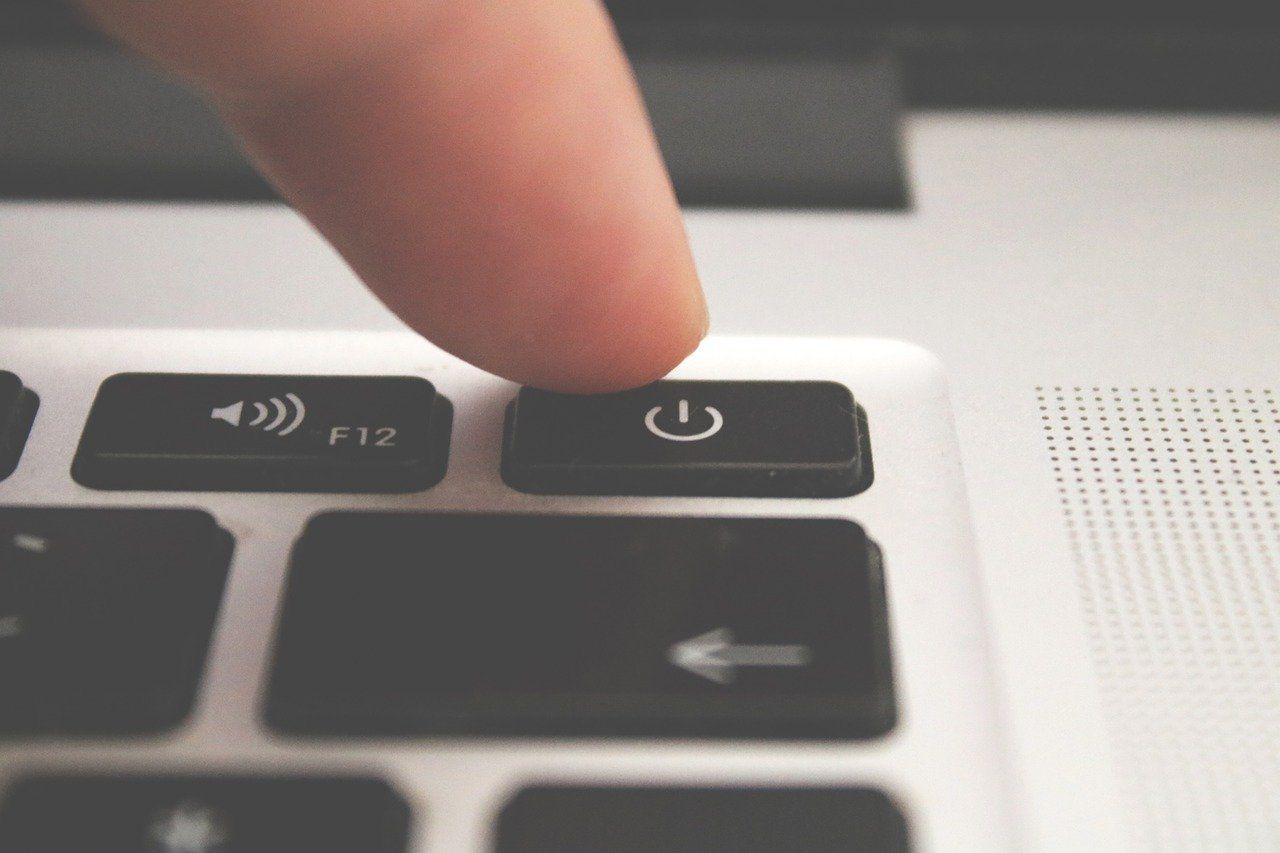
Turn off your computer |
|
|
2 |
Connect the JetKVM to your computer |
|
|
3 |
Connect wireless adapter to your computer |
|
|
4 |
Turn on your computer |
|
|
5 |
Confirm with IT team |
|
Once the device is connected, let our IT team know. We will connect remotely and continue with the system rebuild.
Troubleshooting
If you’re unsure where to plug in the cables, take a photo of the back of your computer and share it with our IT team.
If the device lights don’t turn on, check the power cable and outlet.